PayMaya vs Maya: Wallet Money and Deposit Protection
Articles prepared for this publication with AI assistance from supplied search material and current official references. No named Maya executive is claimed as an author or reviewer.
Prepared 2026-11-16; updated 2026-11-16.
A Maya Wallet balance is electronic money, while Maya Savings is a bank deposit product. Maya's wallet terms explicitly distinguish the wallet from a depository account and state that it is not covered by PDIC. Do not describe all money visible in the Maya app as insured bank deposits. Identify the product and its current coverage terms before applying a protection claim.
Separate regulation from deposit insurance
A regulated payment service and an insured bank deposit are different concepts. Regulation concerns the rules and supervision applicable to an institution or activity. Deposit insurance concerns eligible deposits under a particular legal framework. The presence of a regulator's name beside an app does not make every product in that app a covered deposit. Similarly, a bank's inclusion in a connected ecosystem does not convert an e-wallet into a savings account. A clear explanation names both the product and the provider. This avoids a misleading shortcut in which an app-level brand statement is used to answer a product-level protection question.
PayMaya vs Maya: Checking Fees Before You Transfer
What the wallet terms establish
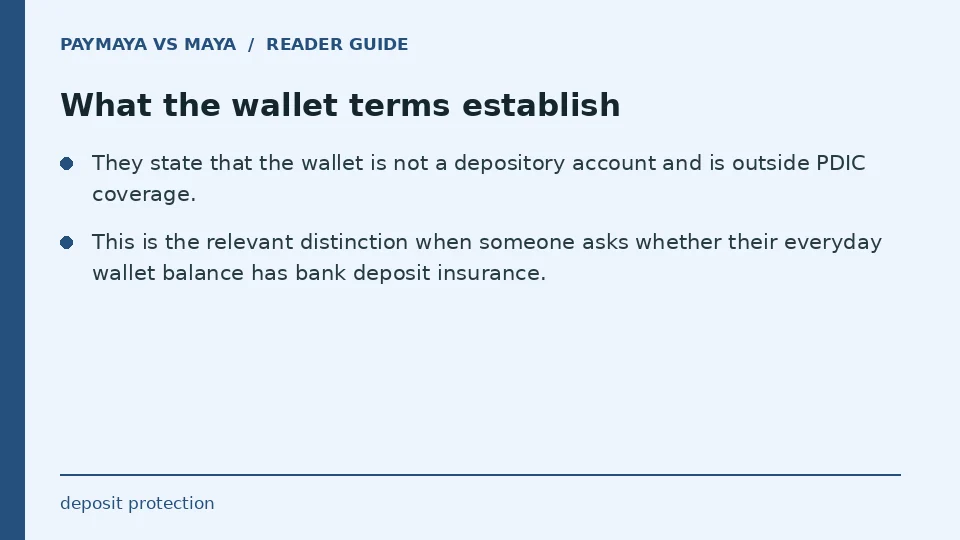
Maya's consumer terms describe a reloadable wallet storing Philippine peso value for payments and related uses. They state that the wallet is not a depository account and is outside PDIC coverage. This is the relevant distinction when someone asks whether their everyday wallet balance has bank deposit insurance. It does not mean the wallet has no rules, records, or consumer obligations. It means a particular banking protection should not be attributed to that balance. Read wallet security, transaction disputes, and deposit insurance as separate topics. Each concerns a different type of risk and requires the appropriate product terms or reporting procedure.
PayMaya vs Maya: Account Verification and Upgrading
What to check for a bank deposit
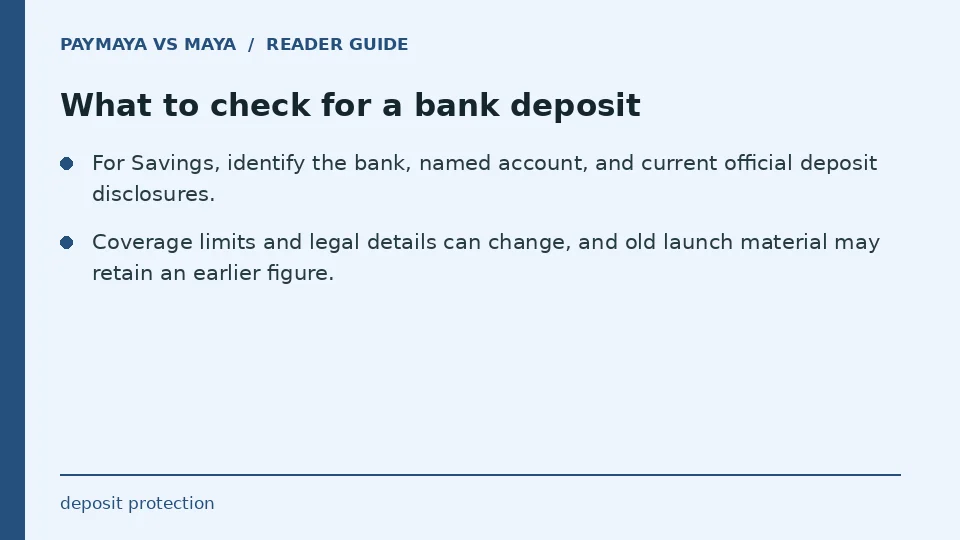
For Savings, identify the bank, named account, and current official deposit disclosures. Coverage limits and legal details can change, and old launch material may retain an earlier figure. Use current bank and insurer information for a decision involving the exact coverage amount. Do not assume that opening several labeled accounts at one bank multiplies protection in whatever way you prefer. Questions about aggregation, ownership capacity, and exclusions need the applicable official rules. This guide deliberately avoids presenting a single app-wide insured amount because the app contains products with different characteristics. The important starting point is whether the money is actually an eligible bank deposit.
PayMaya vs Maya: Duplicate Account Problems
Deposit insurance is not a universal refund promise
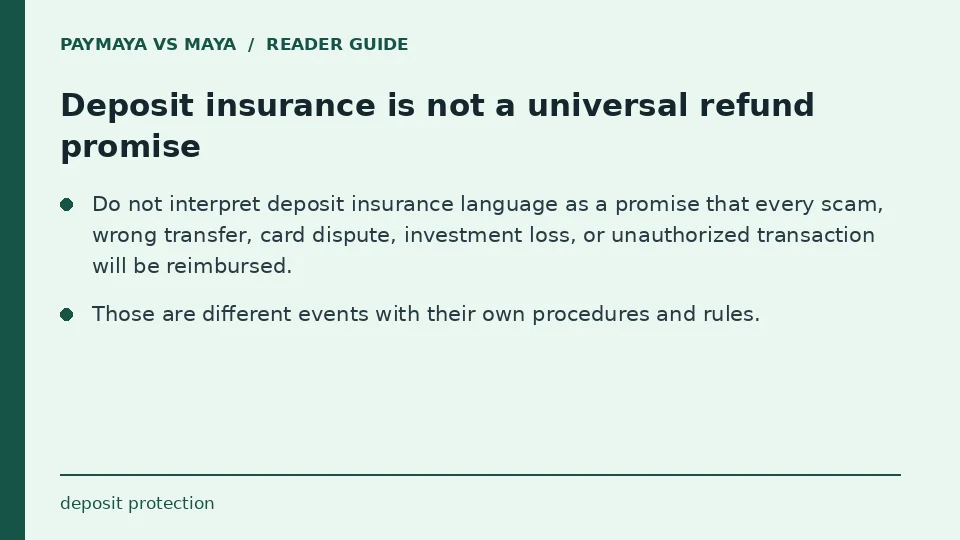
Do not interpret deposit insurance language as a promise that every scam, wrong transfer, card dispute, investment loss, or unauthorized transaction will be reimbursed. Those are different events with their own procedures and rules. If someone sends funds to the wrong account, they should report the transaction through the relevant institutions rather than assume an insurance label resolves it. If account access is compromised, prompt official reporting matters. Product protection disclosures should explain their scope, not be used as a broad claim that nothing can go wrong. A cautious reading makes it easier to choose the correct response when a specific problem occurs.
PayMaya vs Maya: Checking Fees Before You Transfer
Check where money went after an internal transfer
Moving funds between Wallet and Savings changes the product holding those funds. Keep the receipt and verify the receiving balance. If you intended to place money in Savings but left it in Wallet, a banking disclosure elsewhere in the app does not change its location. Conversely, an external deposit may have reached Savings while you were only inspecting Wallet. Matching the transaction to the correct product is necessary before discussing its protection. This is also why an old PayMaya receipt should be interpreted by its transaction details and date rather than treated as proof of the current legal status of every account you hold.
PayMaya vs Maya: Account Verification and Upgrading
Use clear language when explaining this to family
A useful explanation is that the app is the access point, the wallet is a payment balance, and Savings is a banking product. Avoid saying that one screen is “safe” and another “unsafe” without explaining the risk you mean. Security, liquidity, transaction reliability, and deposit insurance are separate considerations. Family members may need money available for bills as well as an understandable place for reserves. Their decision should be based on the actual products, current terms, and personal needs. An informational guide can clarify the categories but should not imply that a branded app offers identical protection for every service shown inside it.
PayMaya vs Maya: Duplicate Account Problems
A focused review before relying on coverage
Name the product, identify the provider, find the current official disclosure, and confirm what event the protection addresses. Save the document date if the distinction matters to your decision. If you find an older page with a different limit, treat that as a reason to check freshness rather than silently selecting the larger number. The PayMaya-to-Maya history helps explain the brand relationship, while product-specific terms explain what kind of balance you hold and which protections can legitimately be discussed.
If a family discussion uses the word protected, ask what event is being considered. Loss of a phone, a failed transfer, a bank failure, and an investment price movement are distinct situations. Naming the event makes it possible to locate the relevant rules instead of applying a reassuring label to risks it was never intended to address.
PayMaya vs Maya: Checking Fees Before You Transfer